
Warehouse and Inventory Systems
Follow the order from the screen to the warehouse floor.
The ship ticket has not printed. The same item is back on the count list. Eclipse shows stock that the shelf does not have. Start with the step that failed, then follow the order, inventory record, and devices involved.
Find why the ship ticket did not print
When an automatic ship ticket does not print, check whether the order arrived and was released, whether the required inventory is available, whether the print job is stuck in the queue, and whether the ticket is going to the right printer location. An EDI order may have arrived but be waiting for review.
If the cause is in the print service, the network, or the printer itself, we handle that work too. The goal is to find where the order stopped and get the right people involved.
Trace a stock difference to the movement behind it
When a count exposes a difference, we review the item's Inventory History Ledger, including sales, purchases, transfers, and adjustments. Stock-override permissions belong in that review too.
A repeated count request is a separate question. Eclipse can put an item on the count queue because of a negative on-hand quantity, an over-commitment, or a changed shipped quantity. If it is not counted and updated within five days, Eclipse returns it to the queue. We first ask why the item was queued, then whether the physical count and the system still disagree.
Check the device in the system it serves
For a printer problem, identify the Eclipse printing method, printer setup, and document or label being sent. If the fault is in the print service, network, or device, Narium works it as an IT issue.
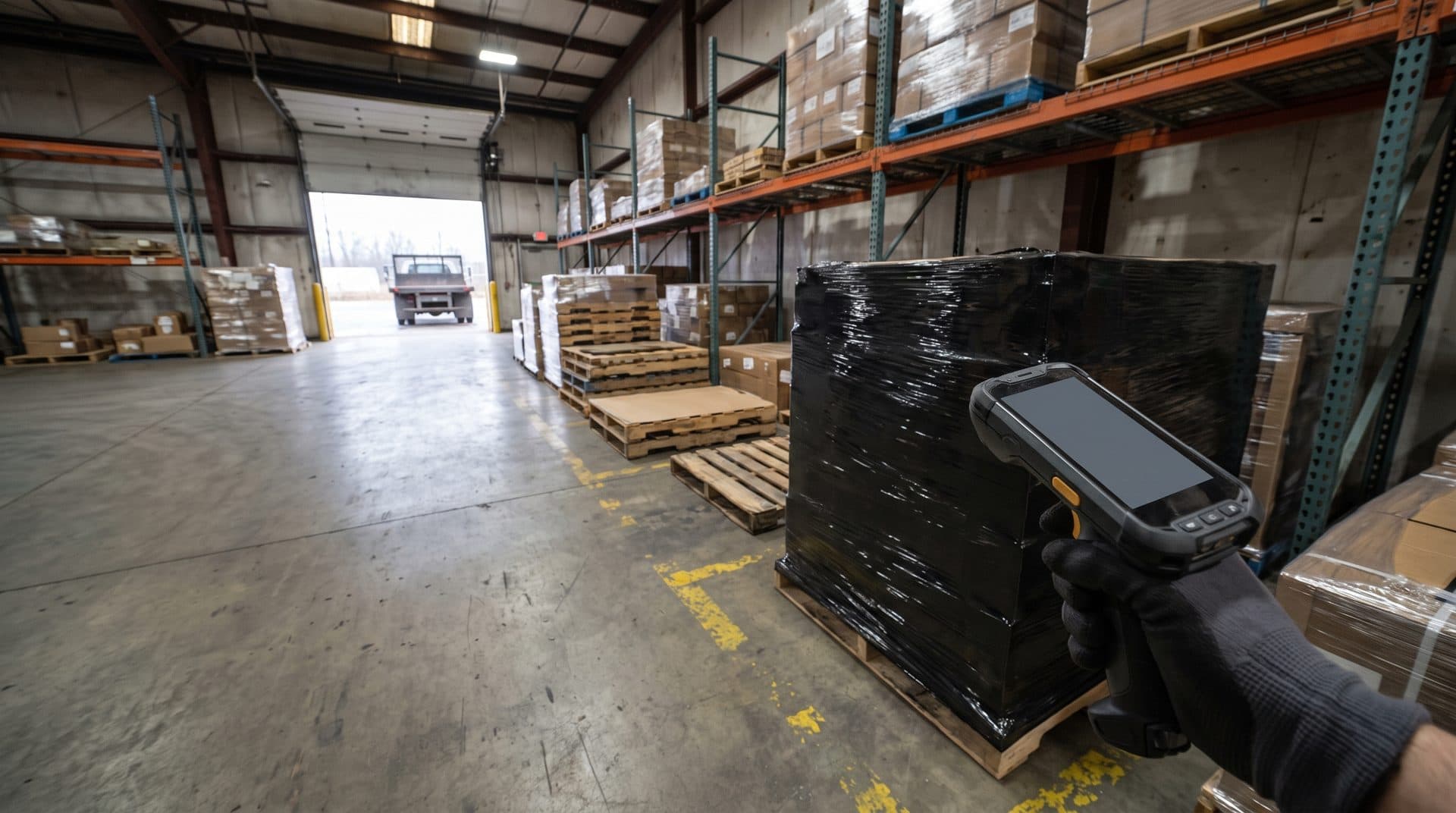
For a scanner problem, identify the device, the warehouse application, and the point where the scan should update the order or inventory record. When shipping or route-planning software is involved, include its connection in the review.
Agree who owns the warehouse work
ERP and WMS connections need clear responsibilities across the people running the operation and the people supporting its systems. Our hands-on ERP experience is in Epicor Eclipse. Start with receiving, picking, replenishment, or shipping, and show us the step your team is working around.
We perform WMS configuration and EDI mapping as scoped projects, defined before an engagement starts. We agree which work belongs to Narium and which stays with your application and hardware specialists. Supporting the surrounding environment does not automatically include a new integration or on-site installation.
Narium supplies and installs hardware in Southern California and the Texas region. On-site technical work is available across Los Angeles County, Orange County, San Diego, the Inland Empire, and Houston. We can also conduct wireless site surveys and network audits.
For pricing, permissions, and reporting inside the ERP, see ERP Services.
Want a quick read on where inventory data and order entry stand before you talk to anyone? The readiness index is a short multiple-choice check of order entry, pricing, item data, reporting, key people, and security. It takes about 10 minutes and needs no documents or system access.
Connected work
Explore the systems and responsibilities around it.
ERP Services
A price does not match the agreement. A user cannot complete a task. The month-end reports do not tie out. Start with what your team is trying to finish, then trace what is stopping it. Our hands-on ERP experience is in Epicor Eclipse.
Explore →Managed IT / Core Infrastructure
Managed IT and co-managed IT services for distributors start with the systems, people, and handoffs that keep product moving. Infrastructure decisions need to reflect the work happening at each location.
Explore →Distributors and Wholesalers
Industrial and electrical distribution is our primary focus. Purchasing, sales counters, warehouses, and accounting depend on systems that carry the same order through the business.
Explore →Your next step
Show us where the order stops.
Bring one missing ship ticket, repeated count, stock difference, or device problem. Tell us which systems are involved and what the team has already checked.
Start a conversationFree initial consultation, no commitment.